If you run paid media on Meta and rely on an ad spy tool to guide your creative and targeting decisions, the filter set is where the real work happens. Anyone can show you ads. The question is whether the tool lets you get to the right ads in under five minutes, or whether you spend an hour sifting through irrelevant results because the filters are too shallow to do the job.
This post breaks down the advanced filtering capabilities across the major ad spy platforms, specifically for performance marketers and media buyers who need more than a search bar and a date range.
Key takeaways: The gap between platforms is not in the volume of ads they store but in what you can filter on. Tech stack detection, landing page search, redirect chain analysis, and vertical categorization are filters that most tools either do not offer or implement poorly. AdPlexity Social is the only platform in this comparison that covers all four. The Facebook Ads Library remains useful for verification, but is not a research tool.
Table of Contents
Why filters matter more than database size
The filter gap: what most tools offer
Tech stack filtering
Landing page keyword search
Redirect chain and affiliate network detection
Vertical and sub-niche categorization
Longevity and ad activity filters
Platform-by-platform filter breakdown
FAQs
Bottom line
Why Filters Matter More Than Database Size
Every ad spy platform leads with the same number: how many ads they have indexed. That number is largely meaningless without the ability to slice it properly.
A database of 110 million ads is useless if your only filter options are country, date range, and keyword. You end up with thousands of results and no way to separate the direct response advertisers from the brand awareness campaigns, the profitable campaigns from the tests, or the affiliate funnels from the lead gen plays.
The filter layer is what converts raw data into actionable intelligence. And this is where platforms diverge significantly.
The Filter Gap: What Most Tools Offer
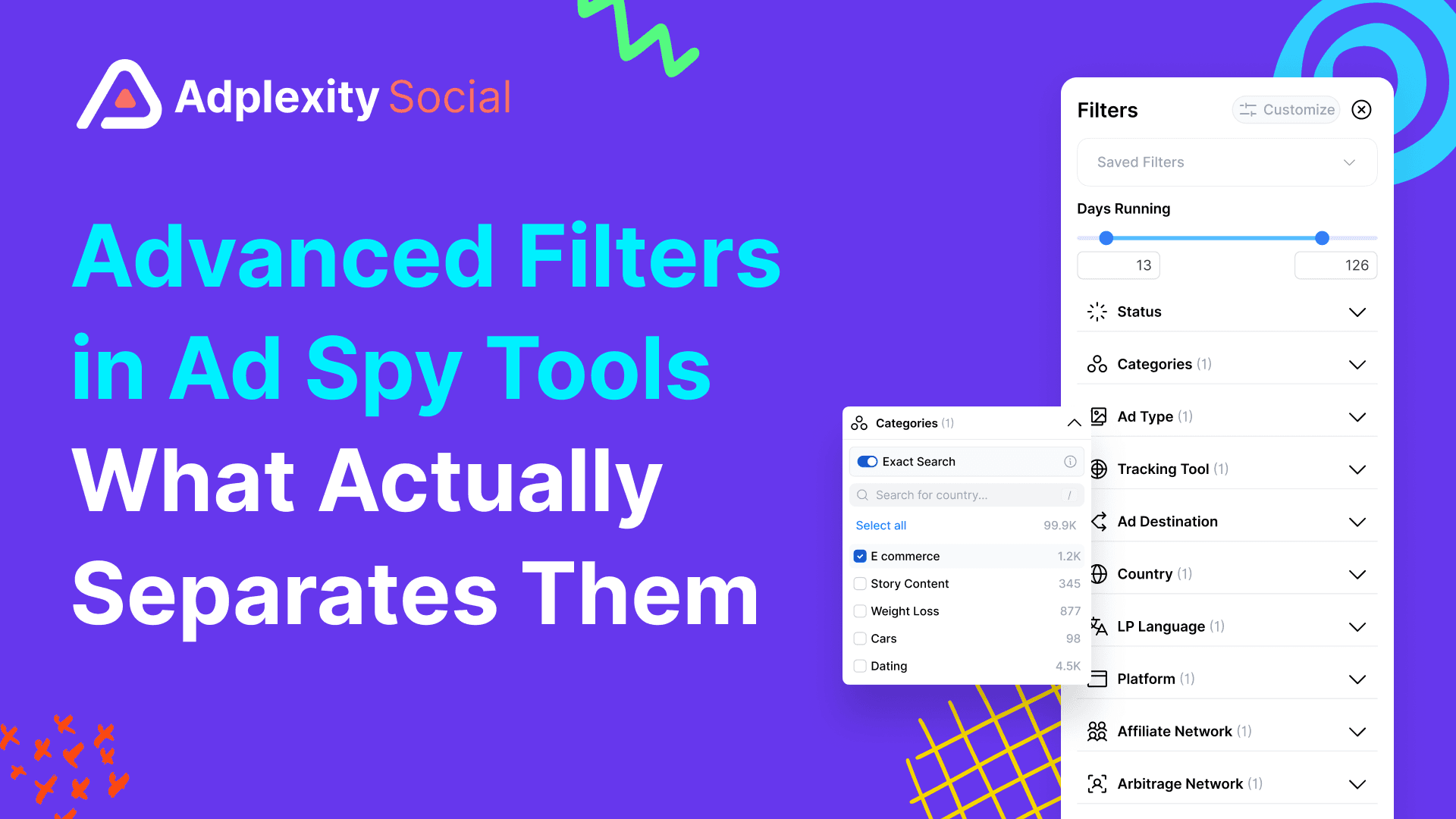
Most ad spy tools built for Meta give you some version of the same base filter set: keyword search, country, ad format (image, video, carousel), date range, and language. Some add an advertiser or page name search. A handful include an engagement sort or a trending filter.
That base layer covers maybe 20% of what a serious media buyer actually needs.
The filters that matter for performance marketing research are the ones most platforms either skip or implement superficially: what technology is running on the landing page, what the landing page actually says, where the traffic redirects after the click, and what vertical or sub-niche the offer belongs to. These are the signals that separate a real performance marketing campaign from a brand awareness ad, and a winning affiliate funnel from a test that ran for three days.
Tech Stack Filtering
This is one of the most underrated filter types in ad intelligence, and most platforms do not offer it.
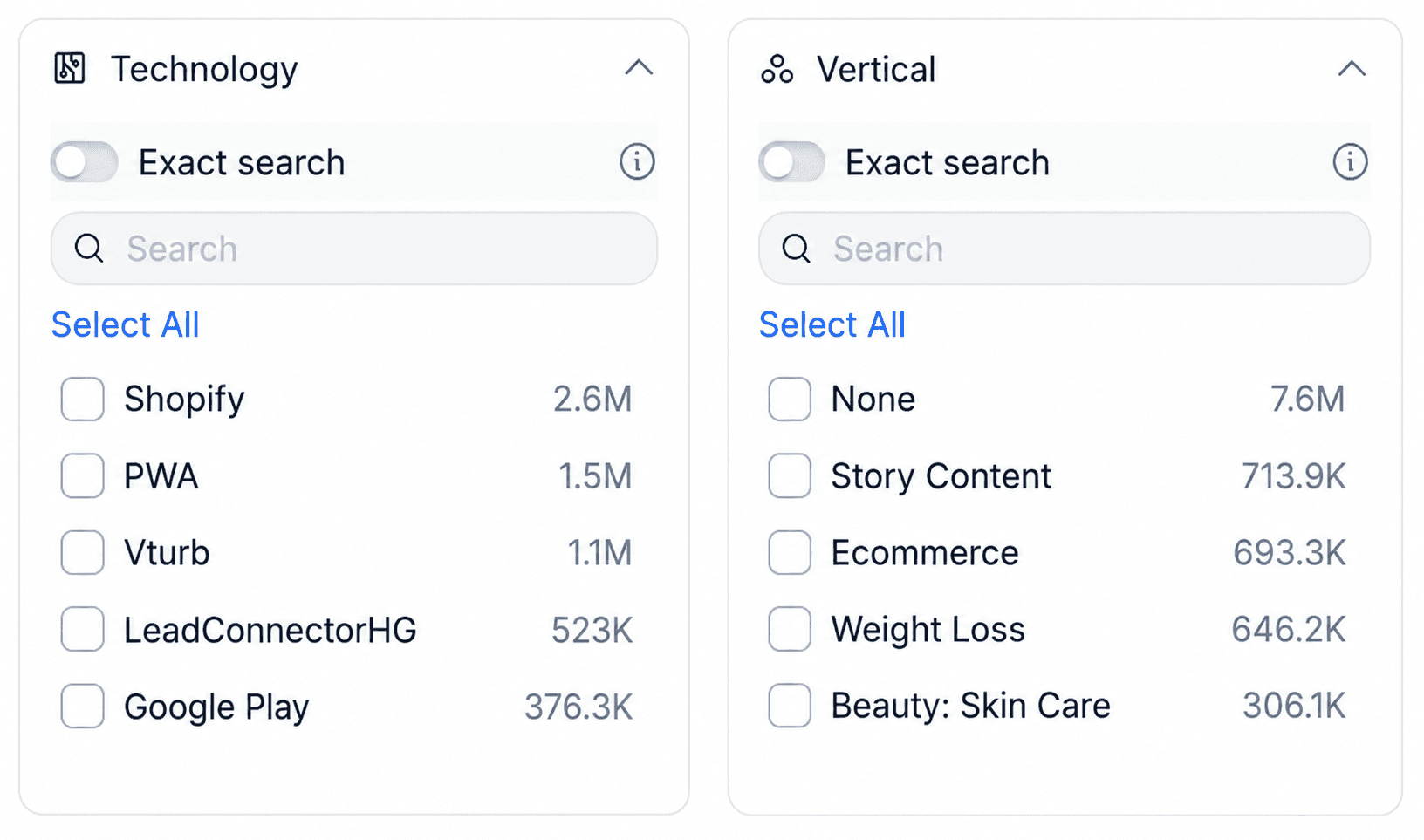
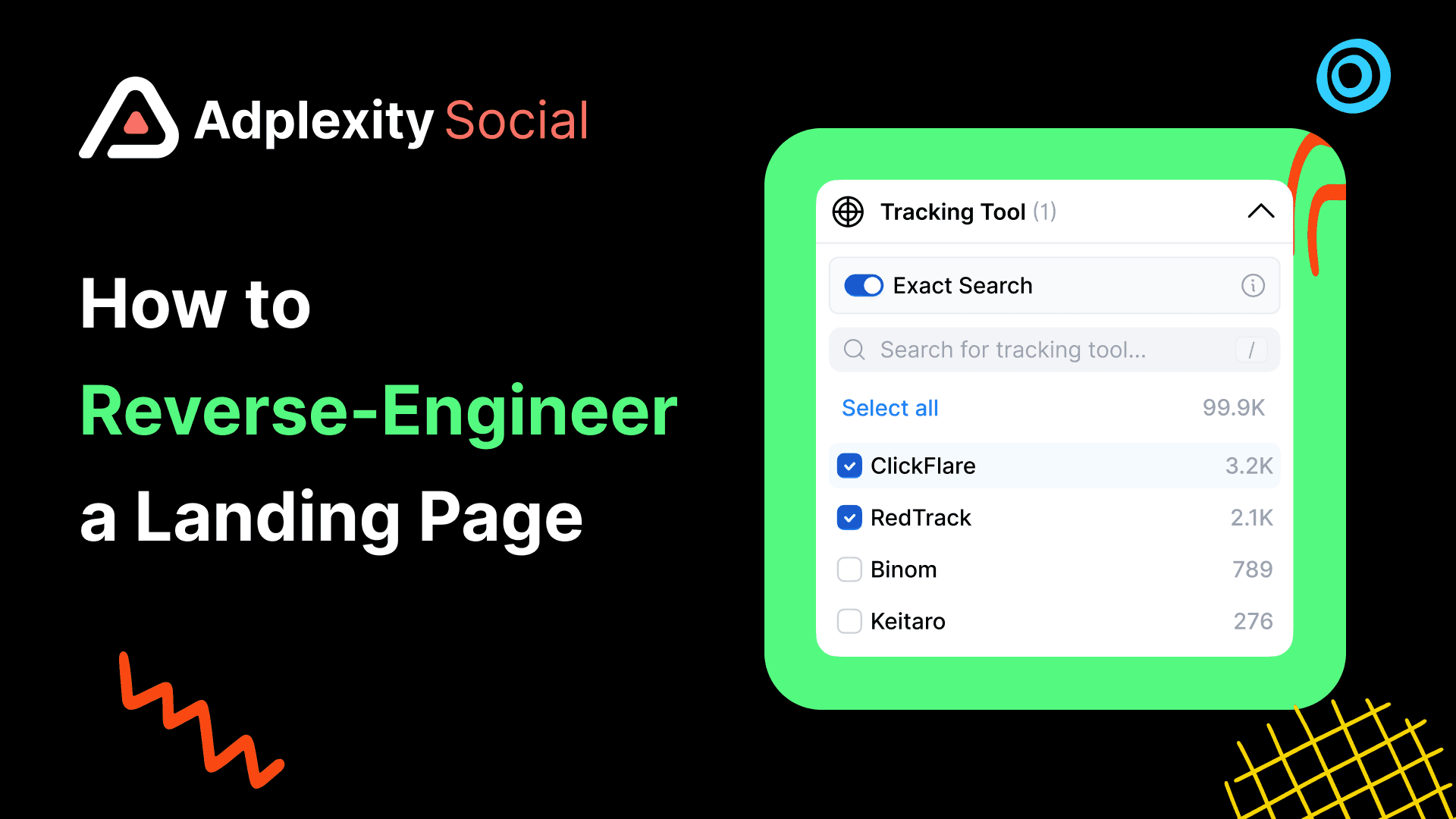
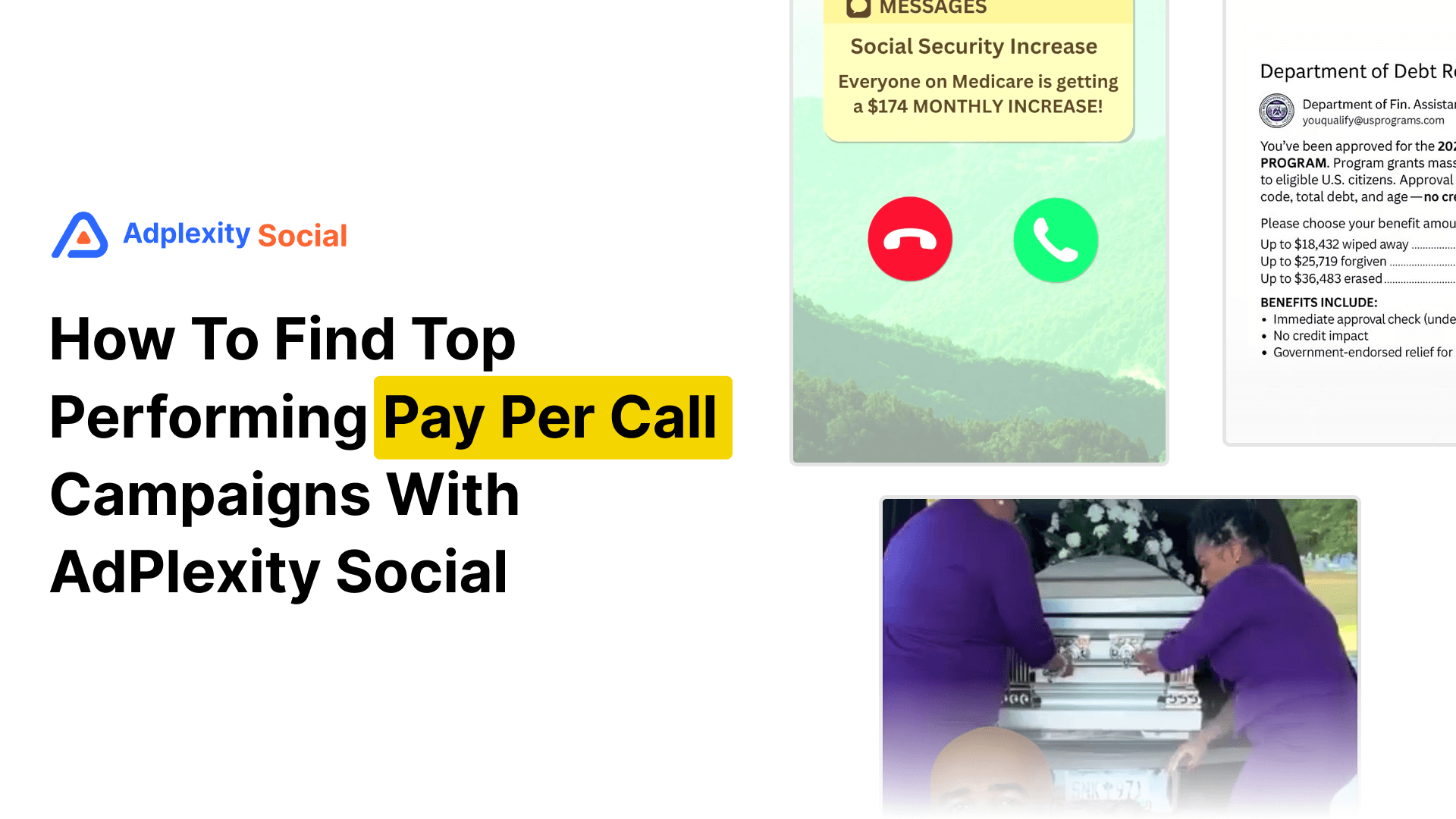
Tech stack filtering lets you filter the ad database by what software or tracking infrastructure is running on the destination page. If you filter for ads where the landing page runs TrustedForm, you are immediately looking at lead generation campaigns collecting verified lead data. Filter for Ringba and you are in pay-per-call territory. Filter for VTurb and you are looking at VSL funnels. Filter for ClickFunnels and you surface direct response advertisers who are likely running performance-based campaigns.
This works because the technology running on a page reveals the business model behind the ad. A landing page with TrustedForm and a Redtrack pixel is not a brand awareness campaign. It is a direct response lead gen operation, and the ad running to it is worth studying closely.
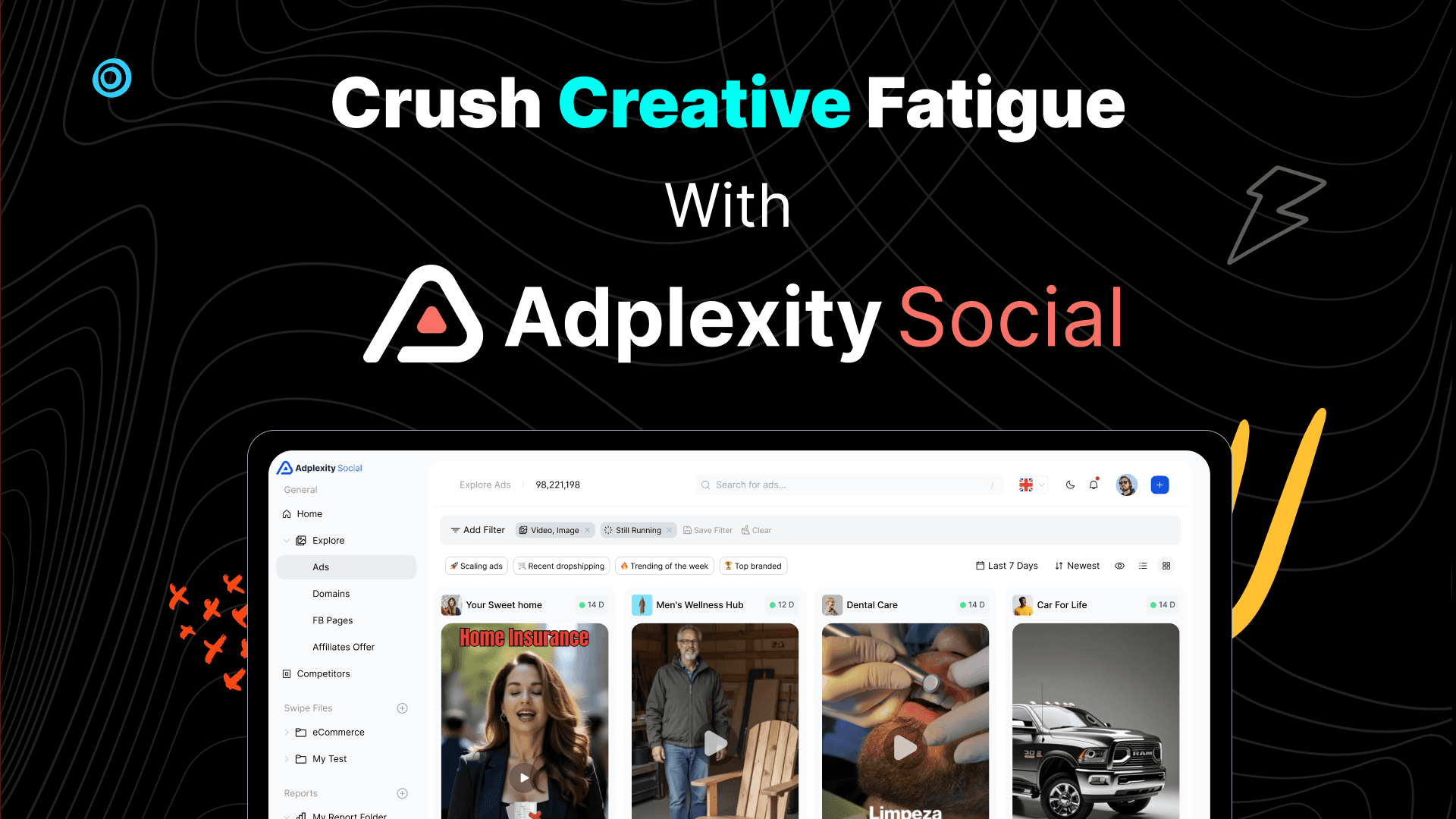
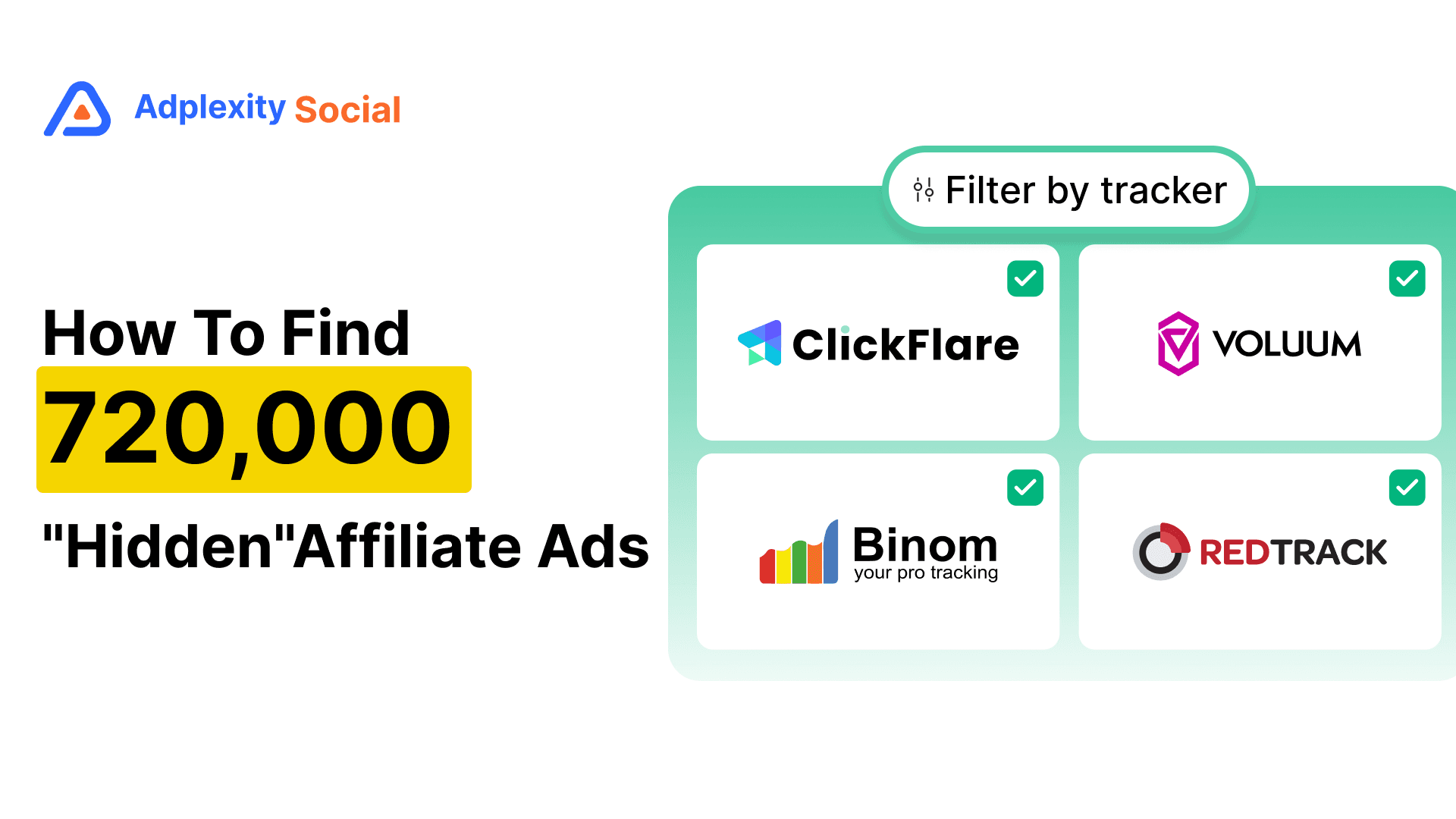
AdPlexity Social supports tech stack filtering across a substantial list of tools including Shopify, ClickFunnels, TrustedForm, Ringba, VTurb, Redtrack, ClickFlare, Jornaya, Lead Connector, and many more. You can stack this filter on top of any other search query.
Foreplay does not offer tech stack filtering. Its filter set is focused on creative research, not funnel intelligence.
BigSpy does not offer tech stack filtering. Keyword, country, date, and ad format are the primary options.
AdSpy does not offer tech stack filtering. It does have a "technology" field but it is limited and inconsistent in practice.
Atria does not offer tech stack filtering. Its strength is AI creative analysis, not back-end funnel signals.
Minea does not offer tech stack filtering. Built primarily for ecommerce product research.
PowerAdSpy does not offer tech stack filtering in any meaningful form.
Facebook Ads Library offers no filtering beyond advertiser name, country, date range, and ad status.
Landing Page Keyword Search
Standard ad spy tools search keywords in the ad copy. That means you are only searching what the advertiser wrote in the headline and body text, which is often vague, benefit-driven language that tells you little about the actual offer.
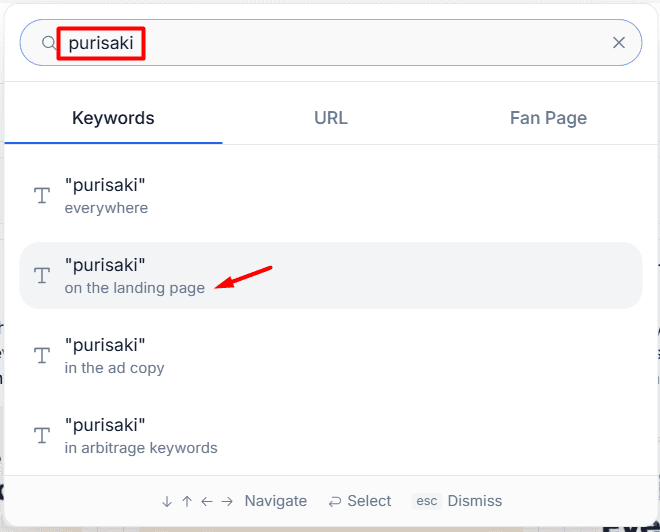
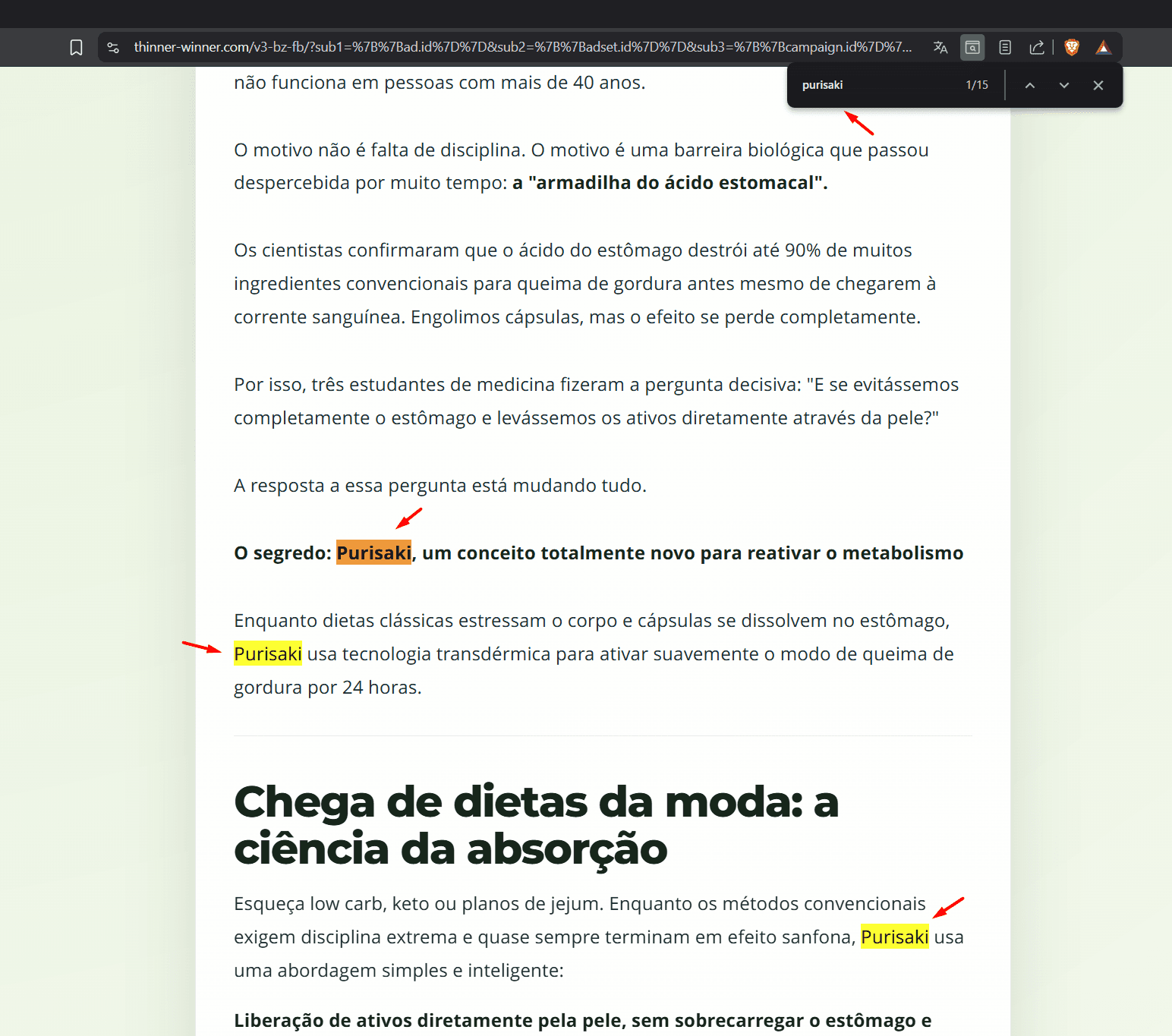
Landing page keyword search indexes the full text of the destination page and lets you search inside it. If you want to find every advertiser promoting a specific supplement on Meta, you can search for the active ingredient on the landing page rather than guessing what ad copy phrase they might be using.
This matters because performance marketers rarely put their offer's key terms in the ad headline. The ad copy is designed to create curiosity and get the click. The landing page is where the offer is actually described.
AdPlexity Social indexes the full landing page copy and makes it searchable alongside ad copy searches. This is one of its core differentiators.
Foreplay does not index landing page copy. It stores the ad creative and the destination URL, but the page content is not searchable.
BigSpy does not offer landing page keyword search.
AdSpy does not offer landing page keyword search. It indexes ad text only.
Atria does not offer landing page keyword search.
Minea does not offer landing page keyword search.
PowerAdSpy does not offer landing page keyword search.
Facebook Ads Library does not offer landing page keyword search or any destination page analysis.
Redirect Chain and Affiliate Network Detection
This is the filter that matters most for affiliate marketers, and it is almost entirely absent from competitor platforms.
When a Meta ad clicks through to a pre-lander, then redirects to an affiliate offer page, a standard ad spy tool only sees the first URL. It cannot tell you where the traffic ultimately ends up, what affiliate network is being used, or what the actual offer is behind the pre-lander.
Redirect chain crawling follows the full URL chain from the ad click through every redirect to the final destination page. This surfaces the outgoing URL parameters, the affiliate network being used, and often the specific offer ID. If you are an affiliate trying to find which offers your competitors are running on Meta, this is the only way to see it without clicking every ad yourself and manually tracing the path.
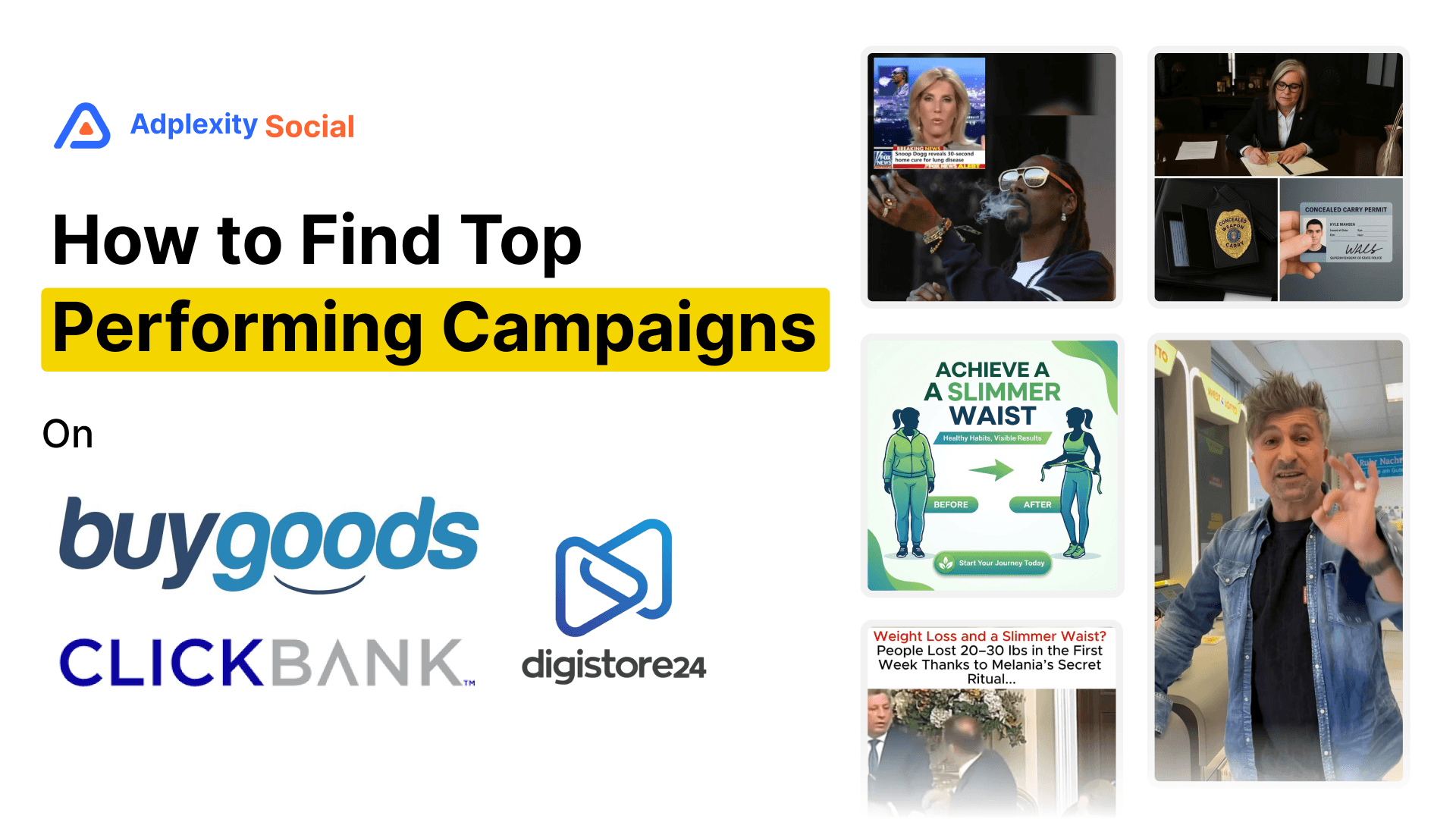
AdPlexity Social crawls the full redirect chain and exposes the complete URL structure including outgoing parameters. It also has a dedicated affiliate offer dimension that lets you filter by specific networks including ClickBank, BuyGoods, Digistore24, Giddyup, and many more. You can search by affiliate network alone and immediately see every ad in the database that points to an offer on that network.
No other platform in this comparison offers redirect chain crawling or a dedicated affiliate network filter.
Vertical and Sub-Niche Categorization
Vertical filters let you browse ads by industry category rather than keyword. This matters when you do not have a specific keyword to search but want to see what is working in a given space, whether that is weight loss, debt relief, home improvement, dating, or iGaming.
The quality of vertical categorization varies enormously between platforms.
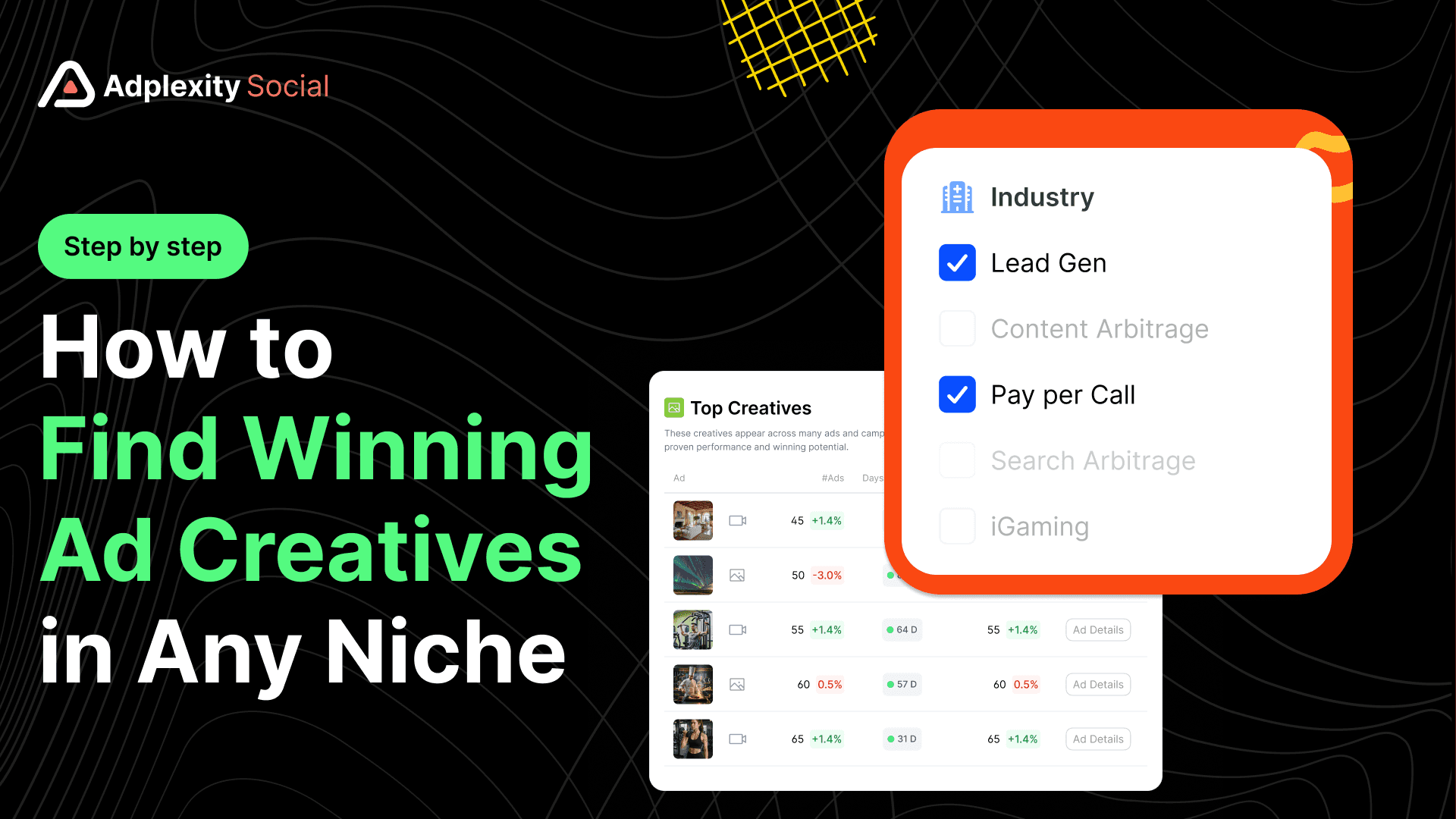
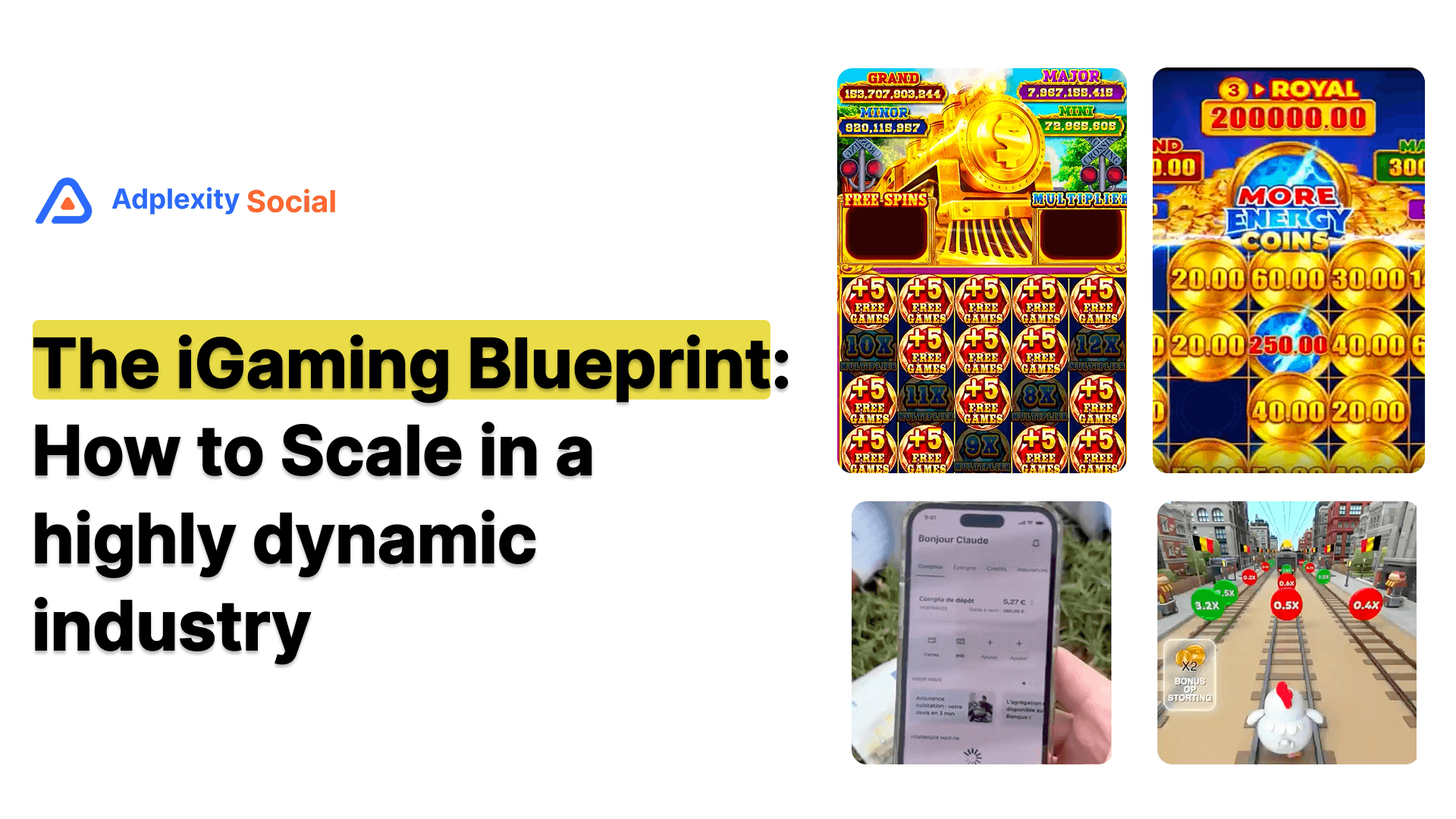
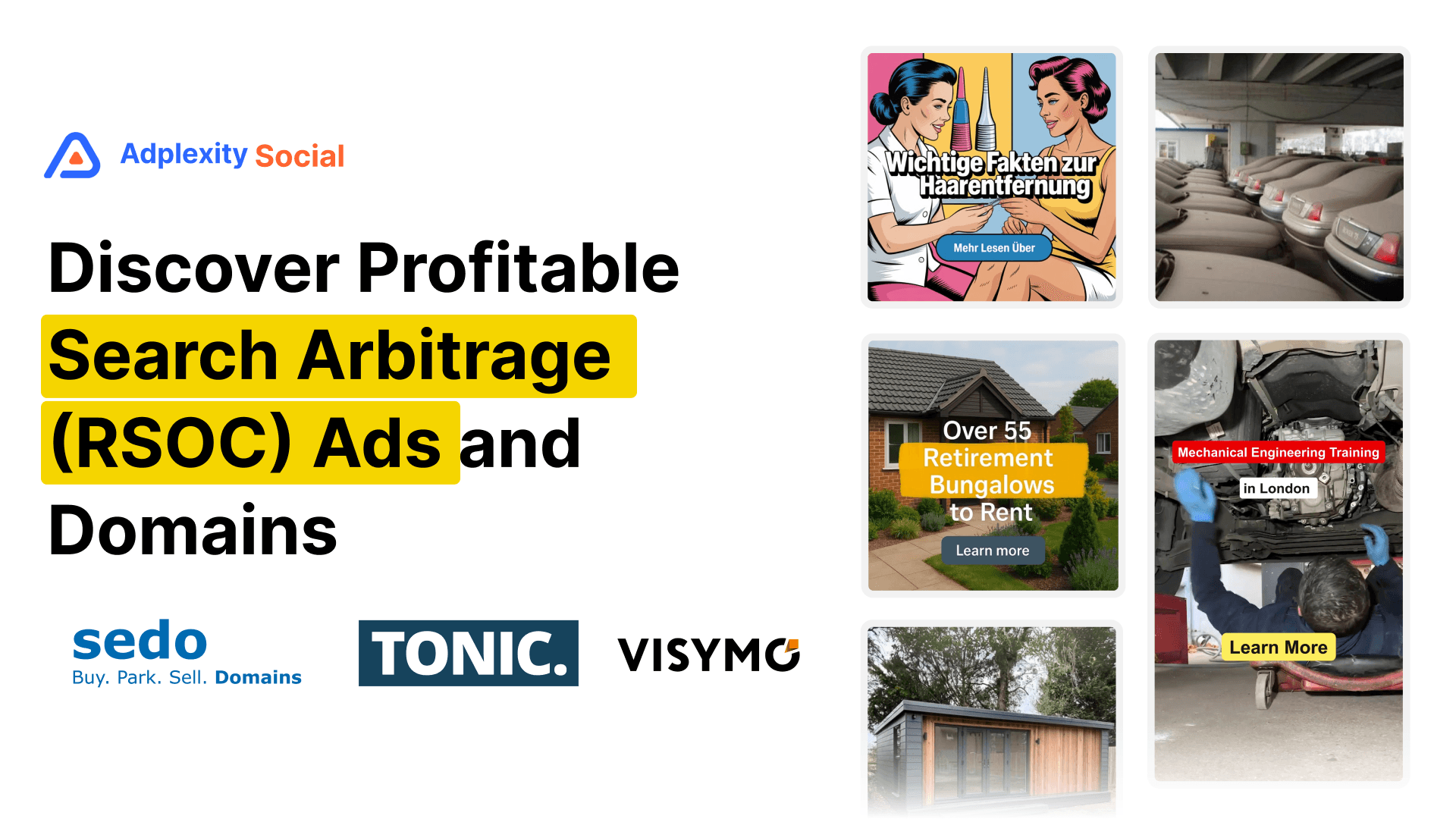
AdPlexity Social offers granular sub-niche vertical filters including Weight Loss, Diabetes, ED, Dental, and Skin within the health category, as well as broader industries like Lead Gen, Ecommerce, iGaming, Dating, and Search Arbitrage. This level of specificity is built from actual landing page analysis, not just keyword inference.
Foreplay has a niche filter with broad consumer categories like Beauty, Automotive, Entertainment, and App/Software. These work for ecommerce and brand creative research but do not map to performance marketing verticals like Lead Gen, Pay Per Call, iGaming, or sub-niches like ED, Diabetes, or Dental.
Atria has category filtering with a similar broad structure. Useful for creative research by industry, but not built around the verticals that affiliates and media buyers actually work in.
BigSpy has category filters but they are broad and not specifically built for performance marketing verticals. Accuracy is inconsistent.
Minea has product category filters tuned for ecommerce rather than performance marketing verticals.
AdSpy and PowerAdSpy do not offer meaningful vertical categorization for performance marketing research.
Facebook Ads Library has no vertical or category filtering whatsoever.
Longevity and Ad Activity Filters
The single most reliable proxy for ad profitability is how long it has been running. Advertisers do not keep losing campaigns live. If an ad has been running for 7 days or more, that is a strong signal that it is generating positive returns.
Longevity filtering lets you set a minimum number of days an ad must have been running to appear in your results. This immediately cuts through the noise and surfaces campaigns with proven staying power.
AdPlexity Social includes a longevity filter that lets you set the minimum active days threshold. Combined with market filters and vertical filters, this quickly isolates proven campaigns in any niche.
AdSpy includes a "running since" date filter, which functions similarly but requires you to calculate the date range manually rather than entering a day count.
BigSpy has date range filtering but not a dedicated longevity or minimum active days filter.
Foreplay does not focus on longevity filtering. It is designed for creative inspiration rather than performance intelligence.
Atria, Minea, and PowerAdSpy have limited or no dedicated longevity filtering for performance research.
Facebook Ads Library shows start dates for active ads but has no longevity filter or sorting by campaign age.
Platform-by-Platform Filter Breakdown
Platform
Tech Stack Filter
Landing Page Search
Redirect Chain
Vertical Filters
Longevity Filter
Affiliate Network Filter
AdPlexity Social
Yes
Yes
Yes
Granular sub-niche
Yes
Yes
Foreplay
No
No
No
Broad only
No
No
BigSpy
No
No
No
Broad only
Limited
No
AdSpy
No
No
No
No
Partial (date-based)
No
Atria
No
No
No
Broad only
No
No
Minea
No
No
No
Ecom-focused
No
No
PowerAdSpy
No
No
No
Limited
No
No
Facebook Ads Library
No
No
No
No
No
No
FAQs: Advanced Filters in Ad Spy Tools
What is the most important filter to look for in an ad spy tool?
For performance marketers, landing page keyword search and tech stack filtering deliver the most signal per search. Ad copy keywords are easy to manipulate and rarely reveal the real offer. What is on the landing page and what technology is tracking it tells you far more about what kind of campaign you are looking at and whether it is worth studying.
Do any free ad spy tools offer advanced filters?
The Facebook Ads Library is the only widely used free option, and its filter set is minimal: advertiser name, country, date range, and ad status. It has no tech stack, landing page, vertical, or longevity filters. It is useful for checking whether a specific brand is running ads, but it is not a research tool for competitive intelligence.
Can I find affiliate campaigns using an ad spy tool?
Yes, but only if the tool supports redirect chain crawling and affiliate network filtering. Most platforms only see the first URL in the click path. AdPlexity Social crawls the full redirect chain and has a dedicated affiliate offer dimension covering ClickBank, BuyGoods, Digistore24, Giddyup, and many more, which lets you search by network directly.
What does tech stack filtering actually tell you about a campaign?
Tech stack signals reveal the business model behind an ad. TrustedForm on the landing page means the advertiser is collecting verified lead data, a strong indicator of a lead gen campaign. Ringba indicates pay-per-call. VTurb suggests a VSL funnel. Shopify indicates ecommerce. These signals let you filter for specific campaign types without relying on keyword guesses.
How do I know if an ad has been running long enough to be profitable?
The general rule of thumb is 7 days minimum. If an advertiser has kept the same creative running for 7 or more days, that is a strong signal it is generating returns. Most platforms with a longevity or "running since" filter let you set this threshold. In AdPlexity Social, the longevity filter does this directly without requiring you to calculate a date range yourself.
Does ad format filtering matter for research?
It matters for creative research but is less critical than the filters covered above. Most platforms let you filter by image, video, and carousel. Video filtering becomes more useful when combined with a hook extraction feature, which AdPlexity Social offers through its "Request Hooks" function in the domain detail view.
Is a larger ad database always better?
Not necessarily. A database of 110 million ads with deep filter capabilities is more useful than a database of 200 million ads you can only search by keyword. The filters determine how much of the database you can actually access for a specific research task. Volume without filter depth is just noise.
Bottom Line
Most ad spy tools share the same basic architecture: a searchable database of ad creatives sorted by date, country, and format. That is fine for surface-level creative inspiration. It is not enough for serious competitive research.
The advanced filter layer is where the real differences appear. Tech stack detection tells you what business model is behind the ad. Landing page indexing tells you what the offer actually is. Redirect chain crawling exposes affiliate funnels that would otherwise be invisible. Vertical categorization gets you to the right campaigns without relying on keyword guessing.
AdPlexity Social is the only platform in this comparison that covers all four. At $99 per month with a database of over 110 million ads growing at 15 million per month, it is priced competitively against tools that offer a fraction of the filter depth.
If advanced filtering is a priority for your research workflow, you can sign up at adplexity.io.
If you run paid media on Meta and rely on an ad spy tool to guide your creative and targeting decisions, the filter set is where the real work happens. Anyone can show you ads. The question is whether the tool lets you get to the right ads in under five minutes, or whether you spend an hour sifting through irrelevant results because the filters are too shallow to do the job.
This post breaks down the advanced filtering capabilities across the major ad spy platforms, specifically for performance marketers and media buyers who need more than a search bar and a date range.
Key takeaways: The gap between platforms is not in the volume of ads they store but in what you can filter on. Tech stack detection, landing page search, redirect chain analysis, and vertical categorization are filters that most tools either do not offer or implement poorly. AdPlexity Social is the only platform in this comparison that covers all four. The Facebook Ads Library remains useful for verification, but is not a research tool.
Table of Contents
Why filters matter more than database size
The filter gap: what most tools offer
Tech stack filtering
Landing page keyword search
Redirect chain and affiliate network detection
Vertical and sub-niche categorization
Longevity and ad activity filters
Platform-by-platform filter breakdown
FAQs
Bottom line
Why Filters Matter More Than Database Size
Every ad spy platform leads with the same number: how many ads they have indexed. That number is largely meaningless without the ability to slice it properly.
A database of 110 million ads is useless if your only filter options are country, date range, and keyword. You end up with thousands of results and no way to separate the direct response advertisers from the brand awareness campaigns, the profitable campaigns from the tests, or the affiliate funnels from the lead gen plays.
The filter layer is what converts raw data into actionable intelligence. And this is where platforms diverge significantly.
The Filter Gap: What Most Tools Offer
Most ad spy tools built for Meta give you some version of the same base filter set: keyword search, country, ad format (image, video, carousel), date range, and language. Some add an advertiser or page name search. A handful include an engagement sort or a trending filter.
That base layer covers maybe 20% of what a serious media buyer actually needs.
The filters that matter for performance marketing research are the ones most platforms either skip or implement superficially: what technology is running on the landing page, what the landing page actually says, where the traffic redirects after the click, and what vertical or sub-niche the offer belongs to. These are the signals that separate a real performance marketing campaign from a brand awareness ad, and a winning affiliate funnel from a test that ran for three days.
Tech Stack Filtering
This is one of the most underrated filter types in ad intelligence, and most platforms do not offer it.
Tech stack filtering lets you filter the ad database by what software or tracking infrastructure is running on the destination page. If you filter for ads where the landing page runs TrustedForm, you are immediately looking at lead generation campaigns collecting verified lead data. Filter for Ringba and you are in pay-per-call territory. Filter for VTurb and you are looking at VSL funnels. Filter for ClickFunnels and you surface direct response advertisers who are likely running performance-based campaigns.
This works because the technology running on a page reveals the business model behind the ad. A landing page with TrustedForm and a Redtrack pixel is not a brand awareness campaign. It is a direct response lead gen operation, and the ad running to it is worth studying closely.
AdPlexity Social supports tech stack filtering across a substantial list of tools including Shopify, ClickFunnels, TrustedForm, Ringba, VTurb, Redtrack, ClickFlare, Jornaya, Lead Connector, and many more. You can stack this filter on top of any other search query.
Foreplay does not offer tech stack filtering. Its filter set is focused on creative research, not funnel intelligence.
BigSpy does not offer tech stack filtering. Keyword, country, date, and ad format are the primary options.
AdSpy does not offer tech stack filtering. It does have a "technology" field but it is limited and inconsistent in practice.
Atria does not offer tech stack filtering. Its strength is AI creative analysis, not back-end funnel signals.
Minea does not offer tech stack filtering. Built primarily for ecommerce product research.
PowerAdSpy does not offer tech stack filtering in any meaningful form.
Facebook Ads Library offers no filtering beyond advertiser name, country, date range, and ad status.
Landing Page Keyword Search
Standard ad spy tools search keywords in the ad copy. That means you are only searching what the advertiser wrote in the headline and body text, which is often vague, benefit-driven language that tells you little about the actual offer.
Landing page keyword search indexes the full text of the destination page and lets you search inside it. If you want to find every advertiser promoting a specific supplement on Meta, you can search for the active ingredient on the landing page rather than guessing what ad copy phrase they might be using.
This matters because performance marketers rarely put their offer's key terms in the ad headline. The ad copy is designed to create curiosity and get the click. The landing page is where the offer is actually described.
AdPlexity Social indexes the full landing page copy and makes it searchable alongside ad copy searches. This is one of its core differentiators.
Foreplay does not index landing page copy. It stores the ad creative and the destination URL, but the page content is not searchable.
BigSpy does not offer landing page keyword search.
AdSpy does not offer landing page keyword search. It indexes ad text only.
Atria does not offer landing page keyword search.
Minea does not offer landing page keyword search.
PowerAdSpy does not offer landing page keyword search.
Facebook Ads Library does not offer landing page keyword search or any destination page analysis.
Redirect Chain and Affiliate Network Detection
This is the filter that matters most for affiliate marketers, and it is almost entirely absent from competitor platforms.
When a Meta ad clicks through to a pre-lander, then redirects to an affiliate offer page, a standard ad spy tool only sees the first URL. It cannot tell you where the traffic ultimately ends up, what affiliate network is being used, or what the actual offer is behind the pre-lander.
Redirect chain crawling follows the full URL chain from the ad click through every redirect to the final destination page. This surfaces the outgoing URL parameters, the affiliate network being used, and often the specific offer ID. If you are an affiliate trying to find which offers your competitors are running on Meta, this is the only way to see it without clicking every ad yourself and manually tracing the path.
AdPlexity Social crawls the full redirect chain and exposes the complete URL structure including outgoing parameters. It also has a dedicated affiliate offer dimension that lets you filter by specific networks including ClickBank, BuyGoods, Digistore24, Giddyup, and many more. You can search by affiliate network alone and immediately see every ad in the database that points to an offer on that network.
No other platform in this comparison offers redirect chain crawling or a dedicated affiliate network filter.
Vertical and Sub-Niche Categorization
Vertical filters let you browse ads by industry category rather than keyword. This matters when you do not have a specific keyword to search but want to see what is working in a given space, whether that is weight loss, debt relief, home improvement, dating, or iGaming.
The quality of vertical categorization varies enormously between platforms.
AdPlexity Social offers granular sub-niche vertical filters including Weight Loss, Diabetes, ED, Dental, and Skin within the health category, as well as broader industries like Lead Gen, Ecommerce, iGaming, Dating, and Search Arbitrage. This level of specificity is built from actual landing page analysis, not just keyword inference.
Foreplay has a niche filter with broad consumer categories like Beauty, Automotive, Entertainment, and App/Software. These work for ecommerce and brand creative research but do not map to performance marketing verticals like Lead Gen, Pay Per Call, iGaming, or sub-niches like ED, Diabetes, or Dental.
Atria has category filtering with a similar broad structure. Useful for creative research by industry, but not built around the verticals that affiliates and media buyers actually work in.
BigSpy has category filters but they are broad and not specifically built for performance marketing verticals. Accuracy is inconsistent.
Minea has product category filters tuned for ecommerce rather than performance marketing verticals.
AdSpy and PowerAdSpy do not offer meaningful vertical categorization for performance marketing research.
Facebook Ads Library has no vertical or category filtering whatsoever.
Longevity and Ad Activity Filters
The single most reliable proxy for ad profitability is how long it has been running. Advertisers do not keep losing campaigns live. If an ad has been running for 7 days or more, that is a strong signal that it is generating positive returns.
Longevity filtering lets you set a minimum number of days an ad must have been running to appear in your results. This immediately cuts through the noise and surfaces campaigns with proven staying power.
AdPlexity Social includes a longevity filter that lets you set the minimum active days threshold. Combined with market filters and vertical filters, this quickly isolates proven campaigns in any niche.
AdSpy includes a "running since" date filter, which functions similarly but requires you to calculate the date range manually rather than entering a day count.
BigSpy has date range filtering but not a dedicated longevity or minimum active days filter.
Foreplay does not focus on longevity filtering. It is designed for creative inspiration rather than performance intelligence.
Atria, Minea, and PowerAdSpy have limited or no dedicated longevity filtering for performance research.
Facebook Ads Library shows start dates for active ads but has no longevity filter or sorting by campaign age.
Platform-by-Platform Filter Breakdown
Platform
Tech Stack Filter
Landing Page Search
Redirect Chain
Vertical Filters
Longevity Filter
Affiliate Network Filter
AdPlexity Social
Yes
Yes
Yes
Granular sub-niche
Yes
Yes
Foreplay
No
No
No
Broad only
No
No
BigSpy
No
No
No
Broad only
Limited
No
AdSpy
No
No
No
No
Partial (date-based)
No
Atria
No
No
No
Broad only
No
No
Minea
No
No
No
Ecom-focused
No
No
PowerAdSpy
No
No
No
Limited
No
No
Facebook Ads Library
No
No
No
No
No
No
FAQs: Advanced Filters in Ad Spy Tools
What is the most important filter to look for in an ad spy tool?
For performance marketers, landing page keyword search and tech stack filtering deliver the most signal per search. Ad copy keywords are easy to manipulate and rarely reveal the real offer. What is on the landing page and what technology is tracking it tells you far more about what kind of campaign you are looking at and whether it is worth studying.
Do any free ad spy tools offer advanced filters?
The Facebook Ads Library is the only widely used free option, and its filter set is minimal: advertiser name, country, date range, and ad status. It has no tech stack, landing page, vertical, or longevity filters. It is useful for checking whether a specific brand is running ads, but it is not a research tool for competitive intelligence.
Can I find affiliate campaigns using an ad spy tool?
Yes, but only if the tool supports redirect chain crawling and affiliate network filtering. Most platforms only see the first URL in the click path. AdPlexity Social crawls the full redirect chain and has a dedicated affiliate offer dimension covering ClickBank, BuyGoods, Digistore24, Giddyup, and many more, which lets you search by network directly.
What does tech stack filtering actually tell you about a campaign?
Tech stack signals reveal the business model behind an ad. TrustedForm on the landing page means the advertiser is collecting verified lead data, a strong indicator of a lead gen campaign. Ringba indicates pay-per-call. VTurb suggests a VSL funnel. Shopify indicates ecommerce. These signals let you filter for specific campaign types without relying on keyword guesses.
How do I know if an ad has been running long enough to be profitable?
The general rule of thumb is 7 days minimum. If an advertiser has kept the same creative running for 7 or more days, that is a strong signal it is generating returns. Most platforms with a longevity or "running since" filter let you set this threshold. In AdPlexity Social, the longevity filter does this directly without requiring you to calculate a date range yourself.
Does ad format filtering matter for research?
It matters for creative research but is less critical than the filters covered above. Most platforms let you filter by image, video, and carousel. Video filtering becomes more useful when combined with a hook extraction feature, which AdPlexity Social offers through its "Request Hooks" function in the domain detail view.
Is a larger ad database always better?
Not necessarily. A database of 110 million ads with deep filter capabilities is more useful than a database of 200 million ads you can only search by keyword. The filters determine how much of the database you can actually access for a specific research task. Volume without filter depth is just noise.
Bottom Line
Most ad spy tools share the same basic architecture: a searchable database of ad creatives sorted by date, country, and format. That is fine for surface-level creative inspiration. It is not enough for serious competitive research.
The advanced filter layer is where the real differences appear. Tech stack detection tells you what business model is behind the ad. Landing page indexing tells you what the offer actually is. Redirect chain crawling exposes affiliate funnels that would otherwise be invisible. Vertical categorization gets you to the right campaigns without relying on keyword guessing.
AdPlexity Social is the only platform in this comparison that covers all four. At $99 per month with a database of over 110 million ads growing at 15 million per month, it is priced competitively against tools that offer a fraction of the filter depth.
If advanced filtering is a priority for your research workflow, you can sign up at adplexity.io.
Table of Contents
Quickly navigate through the key sections of this article.